Instant access
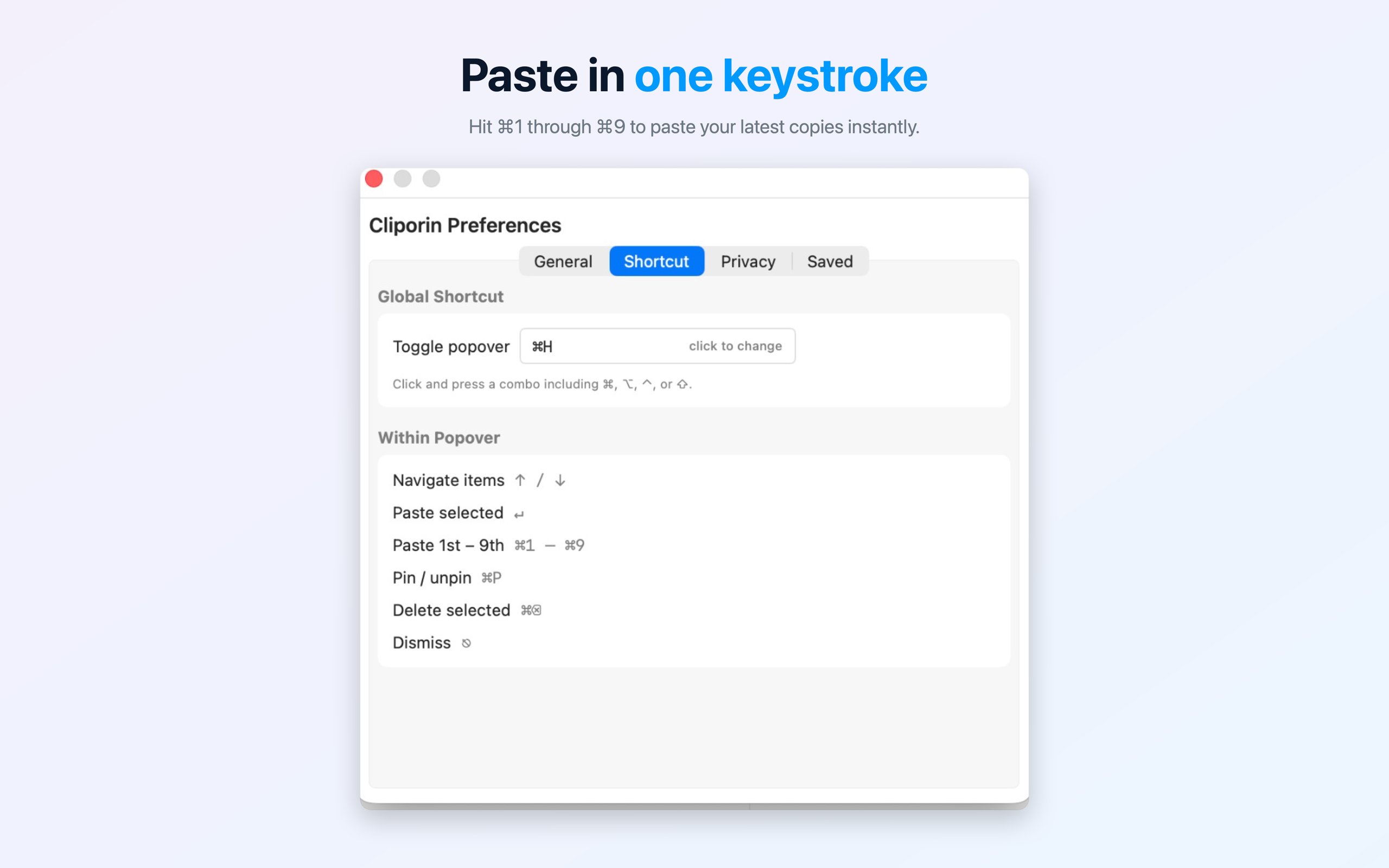
Press ⌘⇧V from anywhere. The popover appears in under a frame. No Dock icon, no distractions.
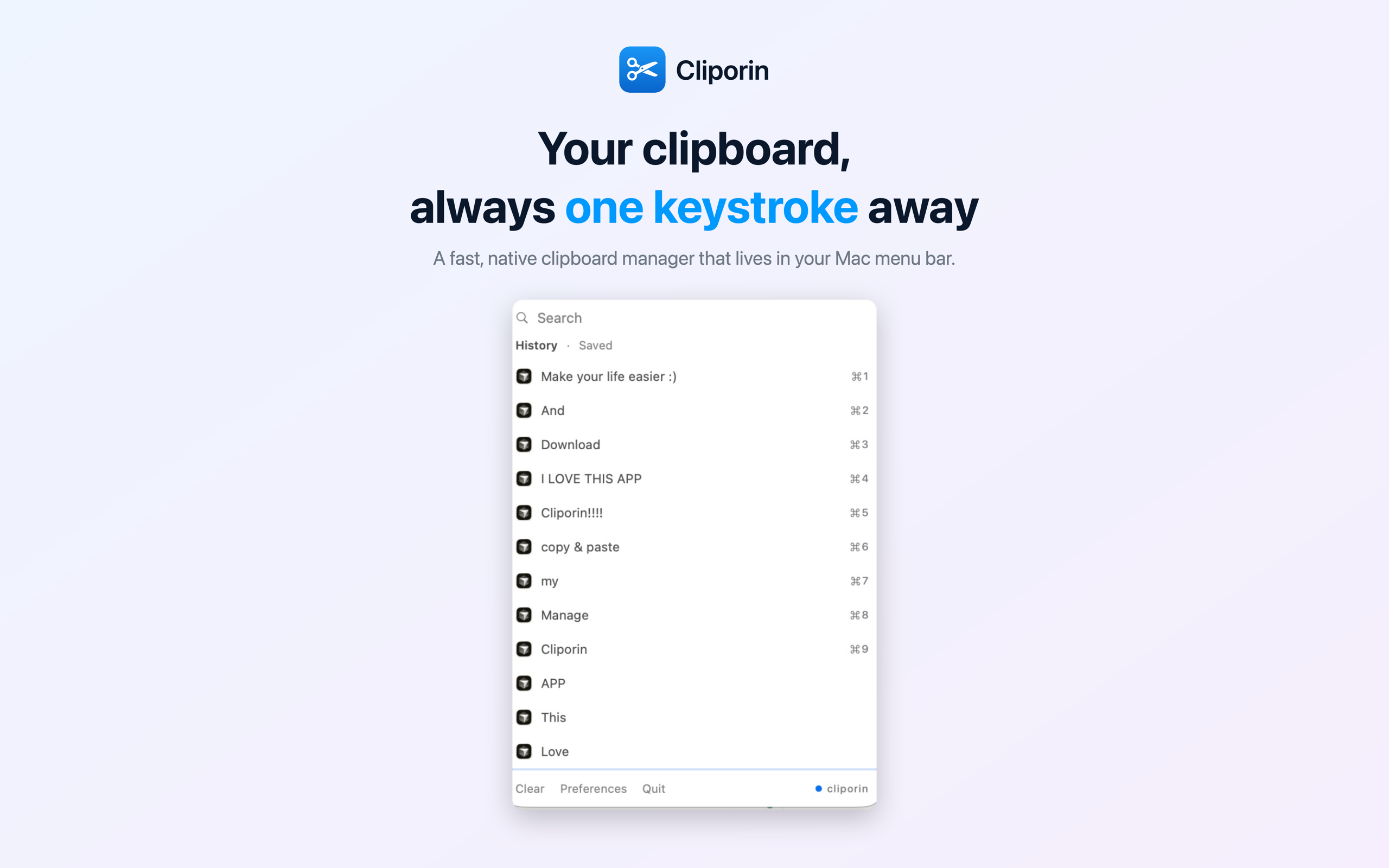
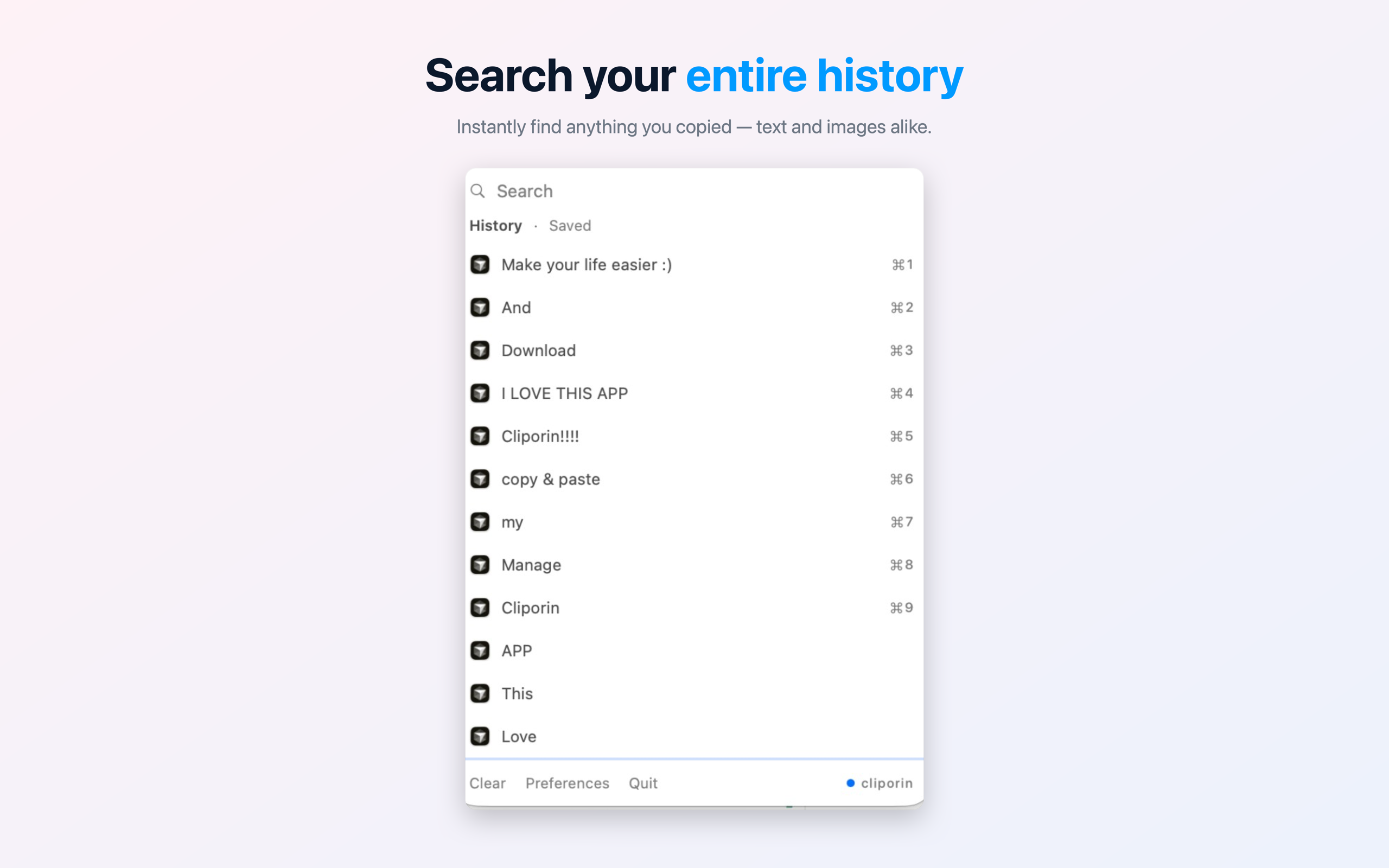
Cliporin sits quietly in your menu bar and remembers everything you copy. Summon it with a keystroke, paste in an instant.
Why Cliporin
Press ⌘⇧V from anywhere. The popover appears in under a frame. No Dock icon, no distractions.
Navigate with arrow keys, paste with ↵, or jump straight to any item with ⌘1–⌘9. Your hands never leave the keyboard.
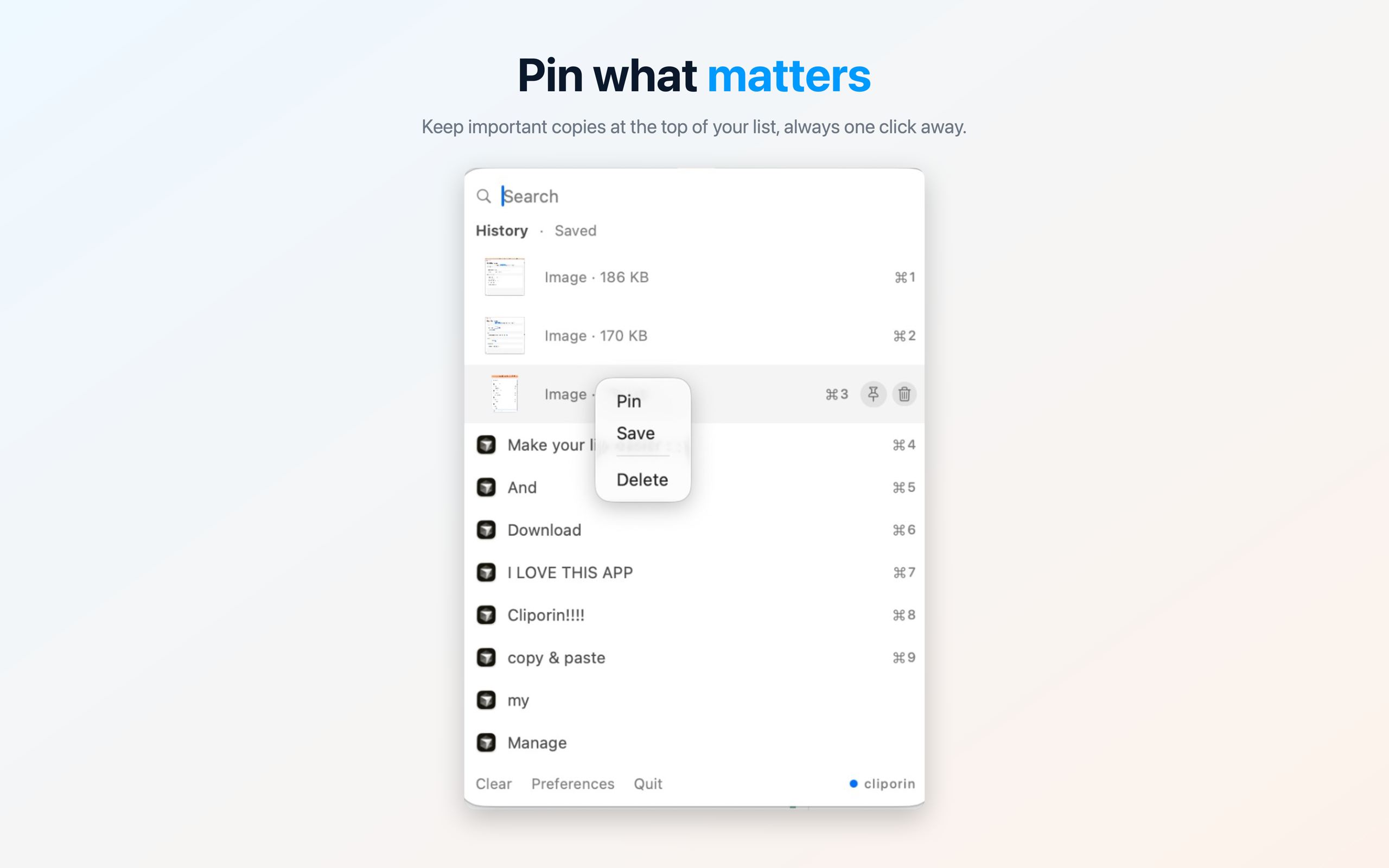
Pin frequently used snippets to the top so they're always there. Pinned items survive history rotation forever.
Save named pieces of text — signatures, email templates, addresses — and paste them instantly from a dedicated tab.
Exclude apps like 1Password and Bitwarden so their secrets never land in your history. Built-in by default.
Pure SwiftUI + AppKit. Native macOS through and through. Uses negligible CPU and a handful of megabytes of memory.
Every item shows which app it came from — Chrome, Xcode, Slack, Finder, anything. Know the context without going back to find it.
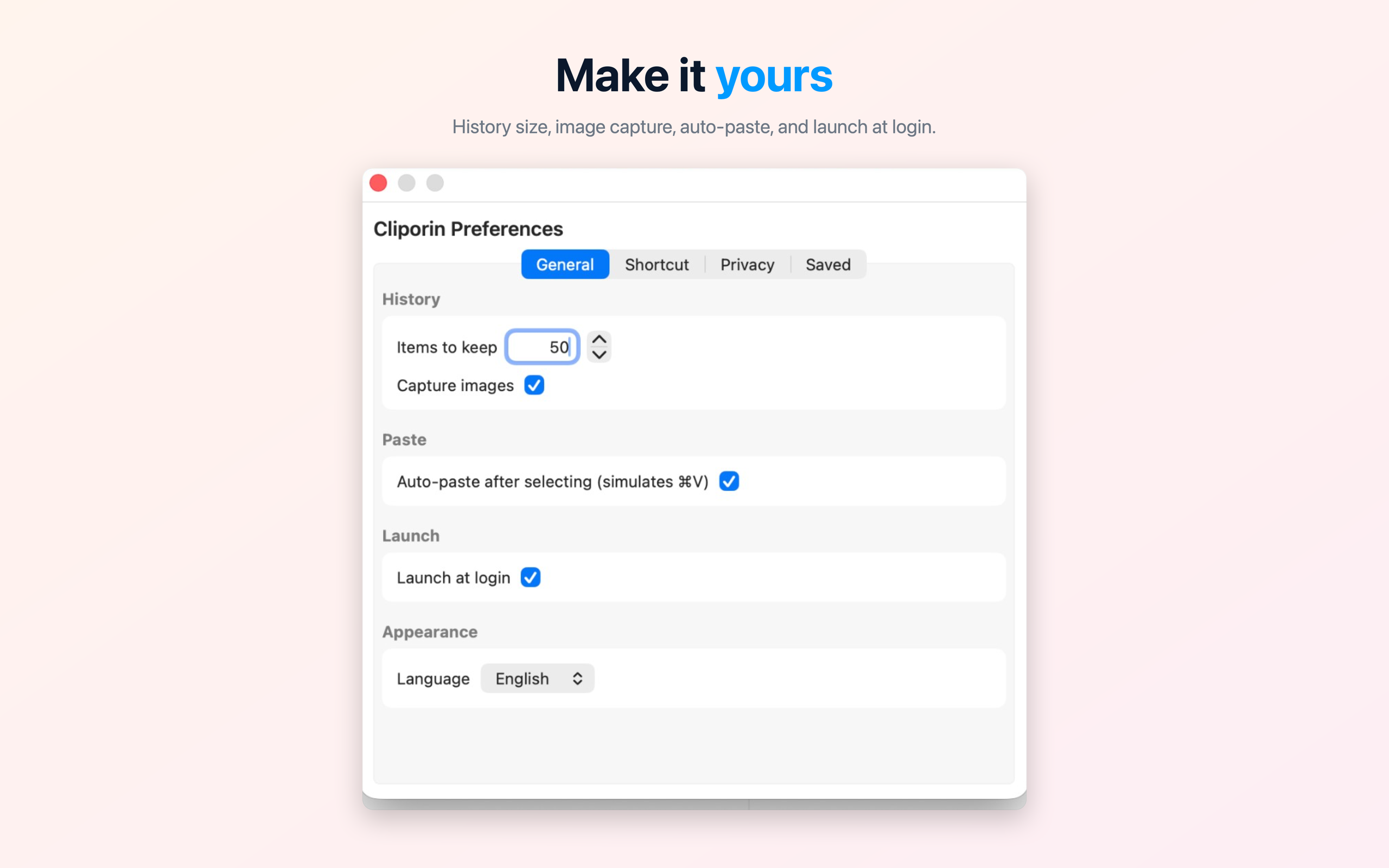
Captures screenshots and images from any app, not just text. Preview them inline and paste anywhere that accepts images.
See it in action
How?
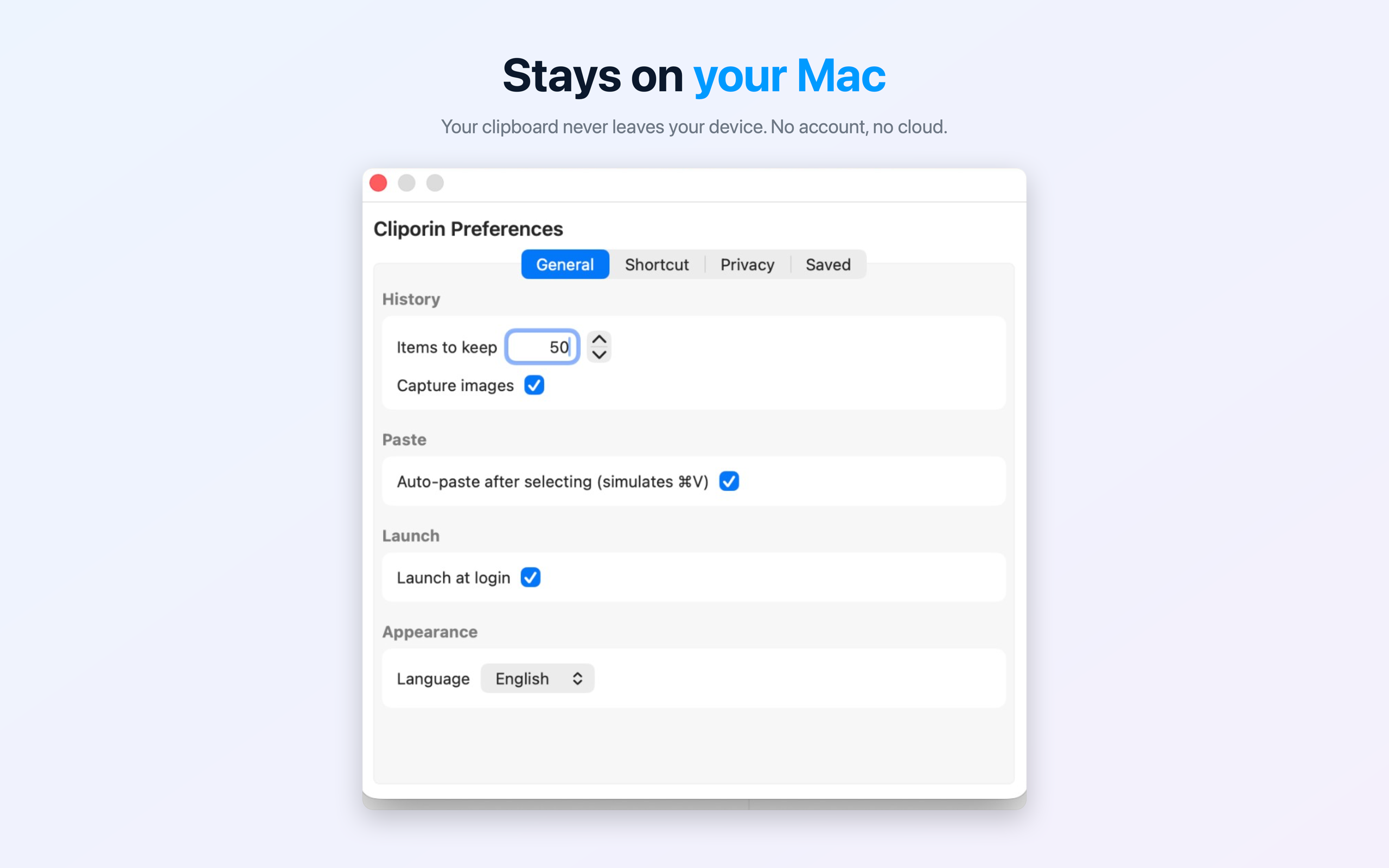
Your clipboard history never leaves your Mac. No cloud sync, no analytics, no network requests whatsoever. Everything is stored in UserDefaults on your device and nowhere else.
$1.99 one-time. No subscription, no account.